

Who Otter.ai is for
Otter.ai is for individuals and small teams who want accurate, affordable meeting notes without committing to an enterprise platform. If your main job is to capture what was said on a call, get a clean summary with action items, and search back through past meetings, Otter does that well and cheaply. Founders running discovery calls, customer success people, and AEs who just want notes synced to the CRM are the sweet spot.
It is a worse fit if you want a revenue intelligence platform that scores deals, tracks talk-to-listen ratios, flags risk across the pipeline, and coaches reps off recorded calls. Otter is built around general meeting productivity, not sales analytics. If conversation intelligence for a sales team is the goal, Gong is the heavyweight, and Fathom gives you a sales-leaning notetaker for less money. Otter pays off when the note-taking itself is the whole point.
What Otter.ai actually does
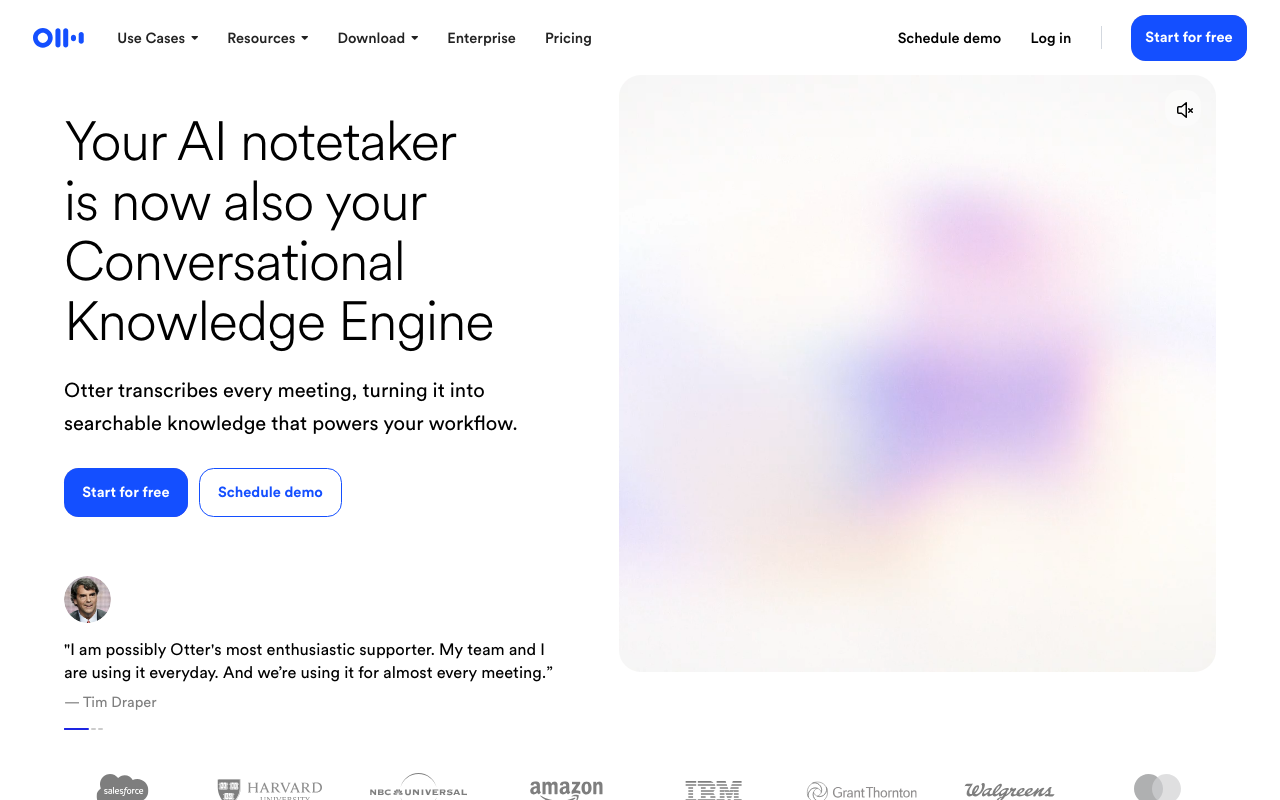
The core of Otter is OtterPilot, a bot that joins your scheduled Zoom, Google Meet, and Microsoft Teams calls through a calendar connection, transcribes in real time, identifies speakers, and produces an AI summary with action items when the call ends. The 2026 release, OtterPilot 3.0, added Visual Context, which captures slides and whiteboard sketches and drops them into the transcript at the timestamp they were discussed. That is genuinely useful for demo-heavy or presentation-heavy calls where the words alone miss half the meaning.
Two other features carry weight for repeat users. Otter AI Chat is a built-in assistant you can ask to summarize a transcript, pull out action items, or answer a specific question about what was said. Cross-Meeting Intelligence goes wider, letting you query your entire meeting history rather than one call at a time, so you can ask what a given account has said across several conversations. For a tool at this price, that breadth is rare.
On raw accuracy, set expectations correctly. Otter claims around 85 percent transcription accuracy, and independent 2026 testing broadly agrees: good, not best in class. Heavy accents, crosstalk, and technical jargon still trip it up, and language support is limited to a handful of languages, which rules it out for many multilingual teams. For clean English-language sales calls, the output is reliable enough to act on.
Where Otter.ai lands on AI-stack fit
Otter scores 83 on CR Buddy's AI-stack-fit scale, near the top of this category. The reasoning is straightforward. Otter ships an official Otter MCP Server that connects your meeting data directly to AI tools like Claude and ChatGPT, so an assistant or a Codex agent can query transcripts and summaries the way it would with any MCP-native tool. The catch is that the MCP server is an enterprise feature, so it is not something a self-serve Pro user can switch on.
The same gating applies to the API. Otter ships the Otter Connect REST API with webhooks, but programmatic access sits on the Enterprise tier, not the paid plans most small teams actually buy. So if your plan is to have your own code or an agent pull transcripts, route summaries, and trigger downstream actions, you are looking at a custom Enterprise contract, not a self-serve API key. For everyone below that, the practical integration path is the native connectors and Zapier or Make: Otter logs key topics, action items, and attendees into Salesforce and HubSpot records automatically, which covers the common "get my notes into the CRM" job without code. That keeps Otter useful in a modern stack, and the MCP and API support is real, but the agent-readiness is locked behind Enterprise rather than the mid-tier plans most teams buy.
Pricing notes
Otter runs four tiers and bills the headline rates annually, with a meaningfully higher month-to-month price. The Basic plan is free and genuinely usable: a few hundred transcription minutes a month, summaries, and a rolling window of recent conversations, with caps on per-meeting length and file imports. Pro lifts the monthly minute allowance, raises the per-meeting cap, and adds advanced summaries, exports, and the Salesforce, HubSpot, and Zapier integrations. Business removes most of the limits, adds admin controls and usage analytics, and is the tier teams settle on. Enterprise unlocks SSO, SCIM, custom AI workflows, HIPAA as an add-on, the Otter MCP Server, and the API and webhooks.
The catch worth flagging: the free and lower paid tiers cap minutes and per-meeting length, so a heavy-call week can hit the ceiling faster than you expect. And because API access is gated to Enterprise, anyone building automation should price that in early. Otter renames and re-prices tiers periodically, so verify the current numbers, minute limits, and what each plan unlocks on Otter's pricing page before you commit.
The verdict
Otter.ai is one of the best value notetakers you can buy, and the free plan alone is worth setting up. Just buy it for what it is: a fast, cheap, accurate meeting assistant with solid CRM sync, not a sales-coaching or deal-intelligence tool. If your team needs talk analytics and rep coaching, this is not the tool, and the Enterprise-only API will frustrate anyone wanting to automate against it.
Weighing alternatives? Fathom is the closer pick if you want a sales-leaning notetaker at a similar price, and Fireflies.ai competes hard on integrations and search. See the full best conversation-intelligence roundup for the head-to-head.