

Who Dock is for
Dock is for revenue teams that want to run deals and onboarding inside a shared, buyer-facing space instead of a thread of email attachments. If your sales motion involves multiple stakeholders, a real evaluation, and a handoff to customer success, Dock gives every deal one link: a workspace with the proposal, the mutual action plan, the relevant content, and the next steps all in one place. AEs, sales engineers, and CS managers at B2B software companies get the most out of it.
It is a weaker fit if you want a full enablement suite that owns content governance, certification, and rep coaching across the whole org. Dock is built around the room and the relationship, not deep learning management or analytics on every piece of content. If that wall-to-wall enablement layer is the priority, a heavier platform like GetAccept or one of the incumbents will cover more ground, though you pay for the surface area.
What Dock actually does
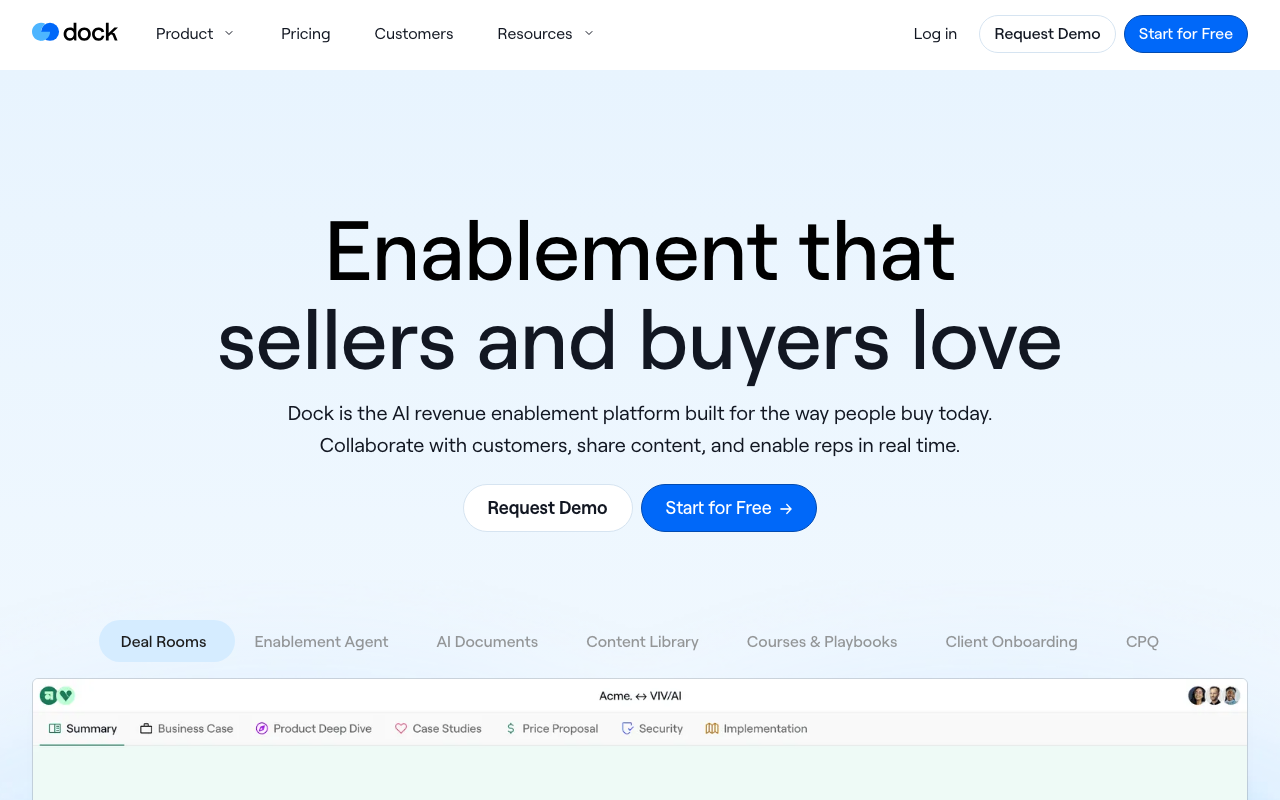
The core unit in Dock is the workspace, a branded page you share with a buyer or a new customer. Inside it you drop a mutual action plan, content, slides, order forms, and embedded videos or PDFs, then watch what the other side engages with. The mutual action plan is the part reps tend to fall for: it turns "what are the next steps" into a shared checklist with owners and dates, so the buyer and the seller are looking at the same plan rather than reconstructing it after each call.
Templates are where Dock earns its keep day to day. You build a workspace once for a deal type or an onboarding flow, then spin up a new copy per account, and Dock can auto-personalize it from CRM fields so the rep is not retyping the company name in ten places. Newer AI features push that further: an assistant that drafts follow-up emails, business cases, and proposal copy from the workspace context, plus a content library that auto-tags and keeps assets searchable. Pair that with the engagement analytics, who opened what and when, and a rep gets a real signal about whether a deal is alive.
Why buyers and reps both adopt it
Two things drive Dock's 7.7 score on CR Buddy. First, it looks good on the buyer's side, which matters more than vendors admit. A clean, single-link workspace beats a buried email chain, and champions are more willing to forward something that does not embarrass them internally. Second, reps actually use it, because setup is fast and the templates remove the blank-page problem. Tools that look great in a demo and then die from low adoption are common in enablement, and Dock avoids that trap better than most.
Where Dock lands on AI-stack fit
Dock scores 69 on CR Buddy's AI-stack-fit scale, which is mid-pack for sales enablement. The product is adding genuinely useful AI inside the app, document drafting, content tagging, and a rep-facing enablement assistant, so the AI story is real for the people using the UI.
The gap is programmatic control. Dock ships a REST API and webhooks so you can sync room engagement and events into your stack, and it connects to Salesforce, HubSpot, and the Zapier or Make layer for the glue work. But the API sits behind the Enterprise tier, and webhooks land on Premium, so the most automation-friendly access is also the most expensive. There is no first-party MCP server, which means an assistant like Claude cannot drive Dock directly the way it can an MCP-native tool. For now, any agent or custom workflow has to go through the REST API and webhooks, and only after you are on a plan that exposes them. That is workable for a connected team, and it is why Dock scores solid rather than high here.
Pricing notes
Dock runs a free plan, then flat-rate paid tiers billed monthly. The free plan covers up to 50 workspaces and basic integrations, which is enough to test the deal-room motion before paying. The entry paid tier is Standard at $350/month flat for 5 users (not per-seat), and it unlocks unlimited workspaces, Salesforce and HubSpot sync, and advanced integrations. Premium runs $1,000/month flat and adds content management, slides, learning playbooks, order forms, white-label branding, and webhooks. API access and SSO sit on Enterprise (custom pricing).
Dock has moved from per-seat to flat team pricing, so the cost is tied to the plan rather than the number of internal seats, and external buyer-side collaborators are free. Published figures and tier names have shifted before, so verify the current numbers and which tier unlocks the API on Dock's pricing page before you commit. CR Buddy has not hands-on tested Dock; these notes come from the vendor's pages and public reviews.
The verdict
If you sell B2B software with multi-stakeholder deals and a real onboarding phase, Dock is one of the best modern digital-sales-room tools, and the free plan makes it low-risk to try. Go in clear-eyed on two things: it owns the room and the relationship, not the full enablement stack, and the API you would want for serious automation lives on Enterprise.
Weighing options? GetAccept is the pick if you want deal rooms plus heavier document and e-sign workflow, and Loom pairs well for the personal video that makes a room feel human. See the full best sales-enablement roundup for the head-to-head.