

Who GetAccept is for
GetAccept is for revenue teams that want one place for the back half of a deal: the proposal, the buyer-facing room, the negotiation, and the signature. If your reps lose deals in the gap between "great demo" and "signed contract," GetAccept gives the buyer a single link that holds everything and tells you who opened what. Account executives, sales leaders, and RevOps people at SMB and mid-market companies get the most from it, especially teams already running Salesforce or HubSpot.
It is a weaker fit if all you want is a clean, shareable deal room without the signing and CPQ machinery. Dock does the room itself with less setup and a free tier, and it tends to win on rep adoption. GetAccept earns its keep when you want the e-signature and contract steps living inside the same tool, not when the room is the only thing you need.
Deal rooms and e-signature in one flow
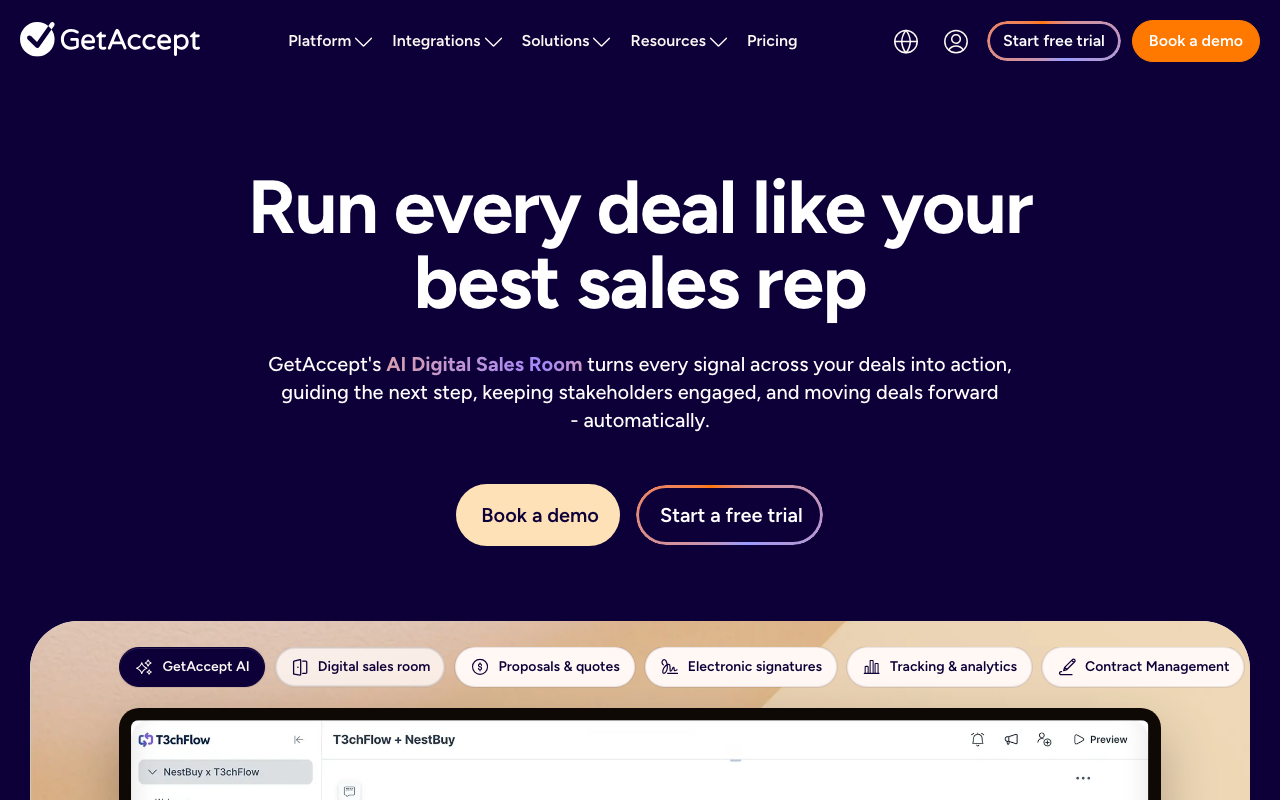
The core idea is the digital sales room. Instead of emailing a PDF proposal and hoping, you send the buyer a branded space that holds the proposal, pricing, supporting content, a mutual action plan, and the signature block. The buyer and the seller work the deal in the same place, which cuts the "can you resend that deck" churn that drags out a close.
Native e-signature is what separates GetAccept from room-only tools. The signature is built in, legally compliant, and supports eID verification on paid plans, so you are not bouncing the deal to a separate signing tool at the last step. That matters because the handoff between proposal and signature is where deals stall. Keeping both in one flow removes a real point of friction.
The engagement tracking is the other reason teams pick it. GetAccept shows when a recipient opens a document, how long they spend, and which sections they linger on. For a rep, that is a follow-up signal you cannot get from a sent email: you know the procurement contact reread the pricing page twice before going quiet. Pair that with automated reminders and CRM sync, and the close stops being a black box.
CPQ and content, with caveats
GetAccept has grown past the room into proposals, contract management, a content library, and CPQ for configured pricing. That breadth is useful if you want fewer tools, but it also means GetAccept now overlaps at the edges with dedicated CPQ and contract-lifecycle platforms. Buyers who already run a real CLM or a Salesforce CPQ may find GetAccept's versions lighter than the specialist. Several of the heavier pieces, including CPQ and unlimited AI content, sit on the Enterprise tier or behind add-ons rather than in the box.
Where GetAccept lands on AI-stack fit
GetAccept scores 66 on Chief Revenue Buddy's AI-stack-fit scale, which is mid-pack for sales enablement. The reasons are specific. There is no MCP server, so an assistant like Claude or a Codex agent cannot drive GetAccept directly the way it can drive an MCP-native CRM. An agent that wants to create a room, attach a document, or check engagement has to go through integrations or the public API.
The API itself is the bigger limit. GetAccept exposes a fully featured REST API alongside a GraphQL endpoint, but API access is gated: it is an add-on on the Professional plan and included on Enterprise, so the cheaper eSign tier does not get it. For most teams the practical automation path is the prebuilt CRM integrations with Salesforce, HubSpot, and Microsoft Dynamics, plus Zapier or Make for the glue. That covers common workflows like auto-creating a room from a closing-stage opportunity, but it is integration-driven rather than agent-driven. GetAccept also ships its own AI features for editing and meeting summaries, which help reps, though they sit inside the product rather than opening it up to your stack. If clean agent control is a buying criterion, this is the area to scrutinize.
Pricing notes
GetAccept uses per-seat pricing across a few tiers. The entry eSign tier runs $25/user/mo and bills monthly or annually with no user minimum, covering e-signature, basic branding, templates, and a content library. The Professional tier is $49/user/mo billed annually with a five-user minimum, and is where the deal rooms, mutual action plans, GetAccept AI, eID verification, and CRM integrations live. Enterprise unlocks CPQ, SSO, the API, and premium CRM connectors, and is custom priced.
Two caveats are worth flagging. First, several features that feel core, including CPQ, unlimited AI content, and premium CRM integrations, are add-ons or Enterprise-only rather than included lower down. Second, per-seat pricing scales with headcount, so a growing team should model the full cost, not just the entry rate. GetAccept changes packaging periodically, so verify current numbers, tier limits, and what each plan unlocks on the vendor's pricing page before you commit.
The verdict
GetAccept is a strong digital-sales-room tool with signing built in, and that combination is its real edge. If your deals stall between proposal and signature, the room plus native e-signature plus engagement tracking is a clean answer, and the CRM integrations make it sit nicely on top of Salesforce or HubSpot. Go in knowing the AI-stack story is integration-led, not agent-native, and that API access is gated to the Professional add-on and Enterprise.
If you mainly want a modern room without the signing weight, Dock is the lighter pick. If you need full enablement with content governance and training at enterprise scale, Seismic plays a bigger game. See the best sales-enablement roundup for the head-to-head.