

Who Read.ai is for
Read.ai fits the person who wants more than a transcript. If you care about how meetings actually went, who talked, who tuned out, whether sentiment dipped when pricing came up, Read.ai gives you that layer on top of the usual summary and action items. Managers, customer-facing teams, and people who live in back-to-back calls get the most from it, especially since it reaches past meetings into email and chat to build one view of your communication.
It is a weaker pick if you want a sales-specific conversation intelligence tool. Read.ai is built as a broad productivity copilot first, so it does not lean into deal coaching, call scoring against your methodology, or CRM-tight revenue analytics the way a sales-native tool does. If your goal is rep coaching and pipeline insight, Gong or a lighter recorder like Fathom will map to the sales motion more directly. Read.ai is best when the meeting analytics themselves are the point.
What Read.ai actually does
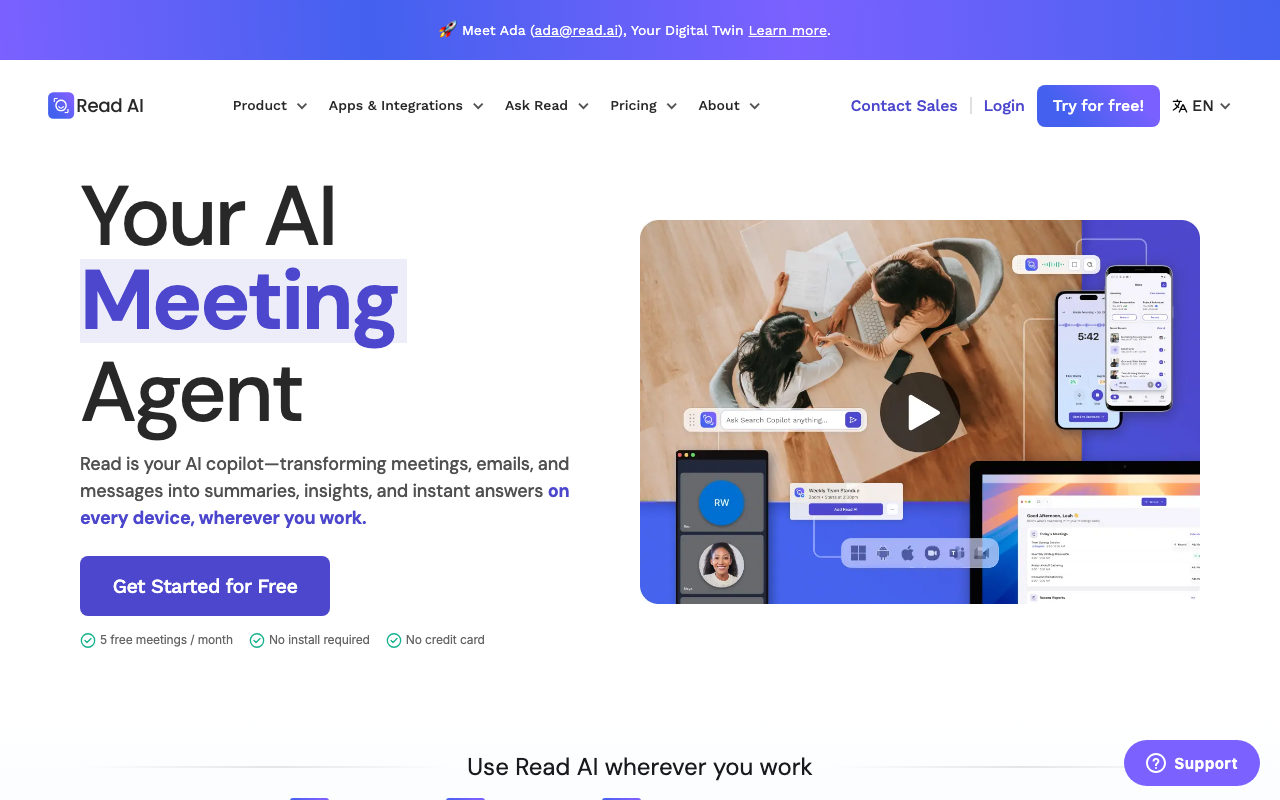
At its core Read.ai records, transcribes, and summarizes meetings across Zoom, Google Meet, and Microsoft Teams, in 20-plus languages, with action items and searchable transcripts. That part is table stakes in this category now. What Read.ai adds is measurement. It scores engagement, sentiment, and talk-time during the call and reports back on each participant, then rolls those signals up over time so you can see patterns across every meeting rather than one at a time.
The Speaker Coach feature is the clearest expression of that idea. It gives feedback on pace, filler words, monologue length, and how much the room engaged while you were talking, then turns it into personalized recommendations. For someone trying to get sharper on calls, that is genuinely useful. The flip side, and a fair criticism in reviews, is that some of the analytics feel gimmicky. An engagement percentage is only as actionable as the meeting it describes, and a single sentiment number can flatten a nuanced conversation.
The cross-app reach is the other thing that sets Read.ai apart from a pure recorder. It connects meetings, email, and messaging, and can push summaries and clips into Notion, Slack, HubSpot, Salesforce, Jira, and thousands more apps through Zapier. There is also a Search Copilot that reaches into Google Drive and OneDrive documents. The ambition is a single assistant across your work, not just a meeting bot, which is why Read.ai reads as a productivity tool that happens to sell into sales teams.
Where Read.ai lands on AI-stack fit
Read.ai earns an 84 AI-stack-fit score on CRB's wedge, near the top for the category. The reason is that Read.ai now ships both a first-party MCP server and a public API. Read.ai exposes a REST API and webhooks that let you route summaries, action items, and transcripts into other systems, plus the deep prebuilt connectors to HubSpot, Salesforce, Slack, and Zapier. That covers most "get the data out" jobs cleanly.
For agent control specifically, Read.ai ships its own official remote MCP server. It sits in open beta alongside the public API, and the company has flagged that broader endpoint coverage is still on the roadmap, but it is a real first-party server that connects to assistants like Claude and ChatGPT. That means an assistant can query your Read.ai meeting data directly through MCP, not just receive pushed summaries. The public REST API (Bearer token auth, 100 requests per minute) and the webhook layer remain the dependable route for feeding the rest of your stack. The combination of a first-party MCP server and a documented REST API is exactly why Read.ai scores 84 rather than mid-pack, with the open-beta status the main reason it is not higher still.
Pricing notes
Read.ai runs a four-tier model: a Free plan, then Pro, Enterprise, and Enterprise+. The Free tier is real but capped at 5 meetings per month with basic integrations, which is enough to evaluate the tool, not to run on. Paid plans are billed per user, and the headline rates assume annual billing, with month-to-month costing meaningfully more. Pro lands around $15 per user per month billed annually, or $19.75 per user per month billed monthly, and unlocks unlimited transcripts and the premium integrations most sales teams want, including Salesforce and HubSpot. Enterprise adds audio and video playback plus highlights and more upload credits. Enterprise+ is where compliance lives, with HIPAA, SAML and SCIM, custom data retention, and a multi-license minimum.
The structure is straightforward, but the exact numbers move and the annual discount changes the picture, so verify current pricing on Read.ai's pricing page before you budget. One non-price caveat worth weighing: some organizations have restricted meeting bots like Read.ai over consent concerns when it joins calls, so check your company's policy first.
The verdict
Read.ai is a capable meeting copilot with a useful analytics layer and unusually wide reach across meetings, email, and chat. If you want insight into how conversations land, and you value a single assistant across your tools, it earns a look. Just go in clear-eyed that it is more productivity copilot than sales conversation intelligence, and that some of the scoring is softer than it sounds.
If you want a leaner free recorder, look at Fathom. If you want broad transcription with strong integrations, Fireflies.ai covers similar ground. Compare the field in the best conversation-intelligence roundup.