

Who Yesware is for
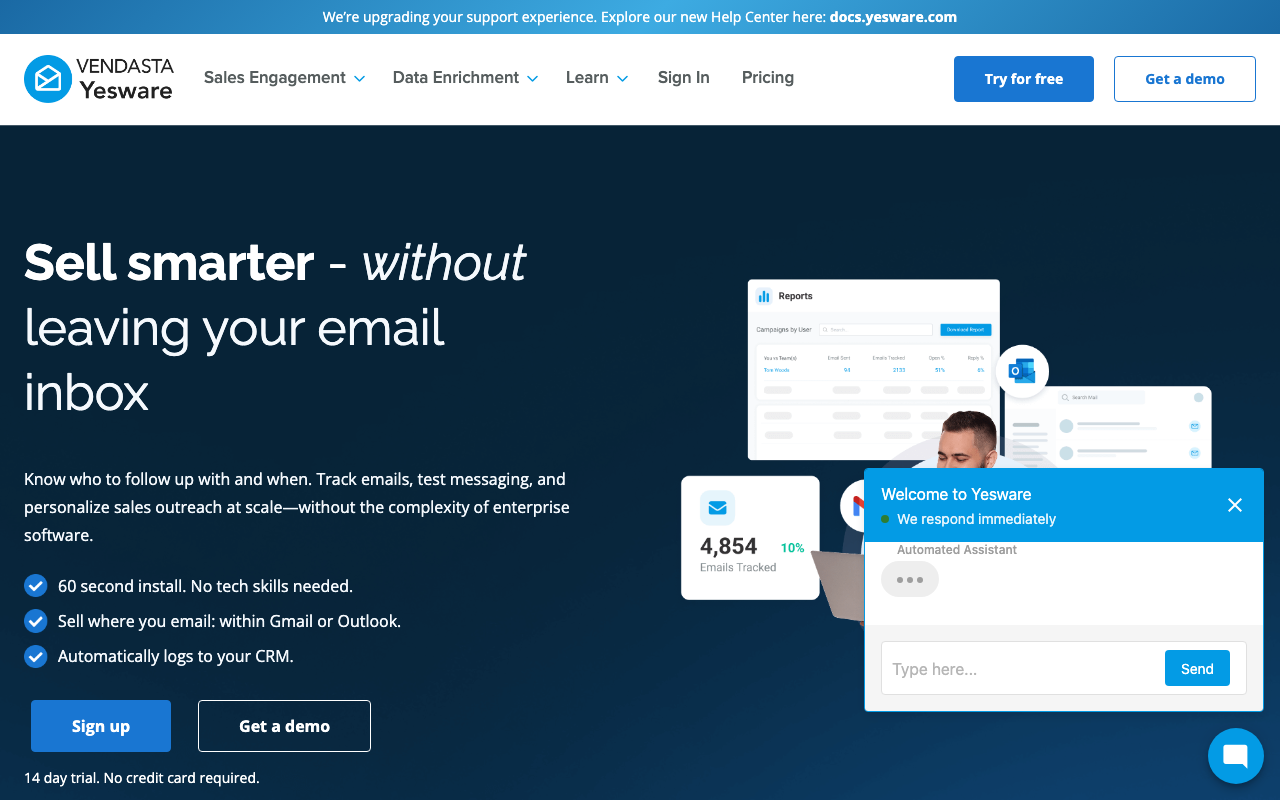
Yesware is for the individual rep or small team that wants email tracking, templates, and light outreach without standing up a full sales-engagement platform. It installs as a browser extension inside Gmail or Outlook, so you keep working where you already work. You get open and click notifications, reusable templates, and simple campaigns in a few minutes, with almost no setup. For a solo AE, a founder doing their own outbound, or a small team that lives in the inbox, that low-friction start is the entire appeal.
It is a worse fit if you run a structured outbound motion with multi-step cadences, branching logic, dialer integration, and team-wide analytics. Yesware does some of this, but it is built around the inbox rather than around a sequencing engine. A team that needs serious cadence management and coaching will outgrow it and should look at Salesloft or Outreach instead. Think of Yesware as an upgrade to your inbox, not a replacement for a revenue platform.
What Yesware actually does
The foundation is email tracking. Yesware tells you in real time when a prospect opens your email, clicks a link, or views an attachment, with the name, the action, and a timestamp. That lets you time follow-ups when interest is fresh rather than guessing. It is the feature most people install Yesware for, and it works reliably across Gmail and Outlook.
On top of tracking sit templates and campaigns. Templates are reusable, personalized email formats your team can share for consistency, with merge fields for the obvious variables. Campaigns are Yesware's version of sequences: multi-step, multichannel touches that mix automated emails with manual reminders, calls, and LinkedIn steps. They cover the basics well. What they do not give you is the deep branching, A/B testing, and dialer-grade calling that dedicated engagement platforms ship.
Yesware also bundles a meeting scheduler so prospects can self-book from your calendar, plus a Prospector add-on that taps a B2B contact database of 100-plus million records for sourcing. Prospector is sold as credit packs on top of your seat, not included in the base plans, so treat it as a separate line item if you need sourcing.
Where Yesware lands on AI-stack fit
Yesware scores a 60 on CR Buddy's AI-stack-fit scale, which is mid-pack for sales engagement. Here is the reasoning.
There is no first-party MCP server, so an assistant like Claude or a Codex agent cannot drive Yesware directly the way it can drive an MCP-native tool. Yesware does publish a REST API with documented endpoints and a sandbox for testing, and developers generally find it consistent, so your own code or an external agent can read tracking and activity data and push records around through that layer. It also offers a wide set of native integrations, with Salesforce sync as the headline and connections to tools like HubSpot, Slack, and Microsoft Teams.
The honest read is that Yesware's design works against deep agent control. It is inbox-centric, so much of the value lives in the Gmail and Outlook extension rather than in a programmable backend an agent can orchestrate end to end. The API is enough for reporting pipelines and CRM hygiene, not for handing an agent the keys to run outbound autonomously. If agent-readiness is high on your list, this is a tool you wire into a stack, not one you let an assistant operate.
Pricing notes
Yesware runs a free plan plus three paid tiers, and it bills both monthly and annually with the usual annual discount. The free tier covers basic tracking and a tiny campaign allowance, which is enough to evaluate the core feature. Paid plans step up from there: the entry paid tier unlocks unlimited tracking and reporting, the middle tier adds unlimited campaigns, shared templates, and team reporting, and the top tier adds full Salesforce sync with bi-directional activity updates. Pricing is per seat, and the published annual rates run from $15 per seat per month for Pro up to $65 per seat per month for Enterprise, with the middle Premium tier at $35 per seat per month, and month-to-month costing more ($19, $45, and $85 per seat per month respectively).
Two caveats. First, the strongest Salesforce integration sits on the most expensive tier, so a Salesforce shop will pay up to get the full sync. Second, Prospector credits are a separate add-on, billed as annual credit packs, not part of the seat price. Vendor pricing and tier features change, so verify the current numbers and what each tier unlocks on Yesware's pricing page before you commit.
The verdict
Yesware is an easy, low-cost inbox add-on for tracking and light outreach. If you are a solo seller or a small team that wants to know when prospects engage and send the occasional simple campaign without learning a platform, it delivers that cleanly and cheaply. Just go in clear-eyed about the ceiling: the cadence features are basic, the best CRM sync is gated behind the top tier, and the AI-stack fit is middling because there is no MCP and the design is inbox-bound.
If you want richer sequencing and team coaching, Salesloft is the heavier platform to grow into. If you mostly want a slicker Gmail experience with scheduling and tracking, Mixmax is the closer head-to-head. Compare the field in the best sales-engagement roundup before you decide.