

Who Salesflare is for
Salesflare is for small B2B teams who hate data entry and keep letting the CRM go stale. If your reps live in Gmail or Outlook, sell through email and calls, and forget to log activity, Salesflare's pitch lands: it watches your inbox, calendar, and phone, and fills in contacts, companies, and timelines on its own. Founders running a lean sales motion, two-to-twenty-person sales teams, and agencies juggling many client relationships are the sweet spot.
It is a worse fit if you need enterprise depth: complex territory rules, heavy custom objects, multi-product quoting, or a sprawling integration estate. Salesflare is deliberately SMB-shaped, so larger orgs will hit ceilings. If built-in calling matters more than auto-logging, Close is worth a look, and Pipedrive has a deeper third-party app marketplace if you lean on integrations outside the AI-native path.
A CRM that fills itself in
The core idea behind Salesflare is that you should not type what the software can capture. Connect your email and calendar, and it pulls contact details, signatures, and company data automatically, then logs every email, meeting, and call against the right account. It builds a timeline per contact without anyone touching a field. For teams that have watched a CRM rot because nobody updates it, that automation is the whole reason to buy.
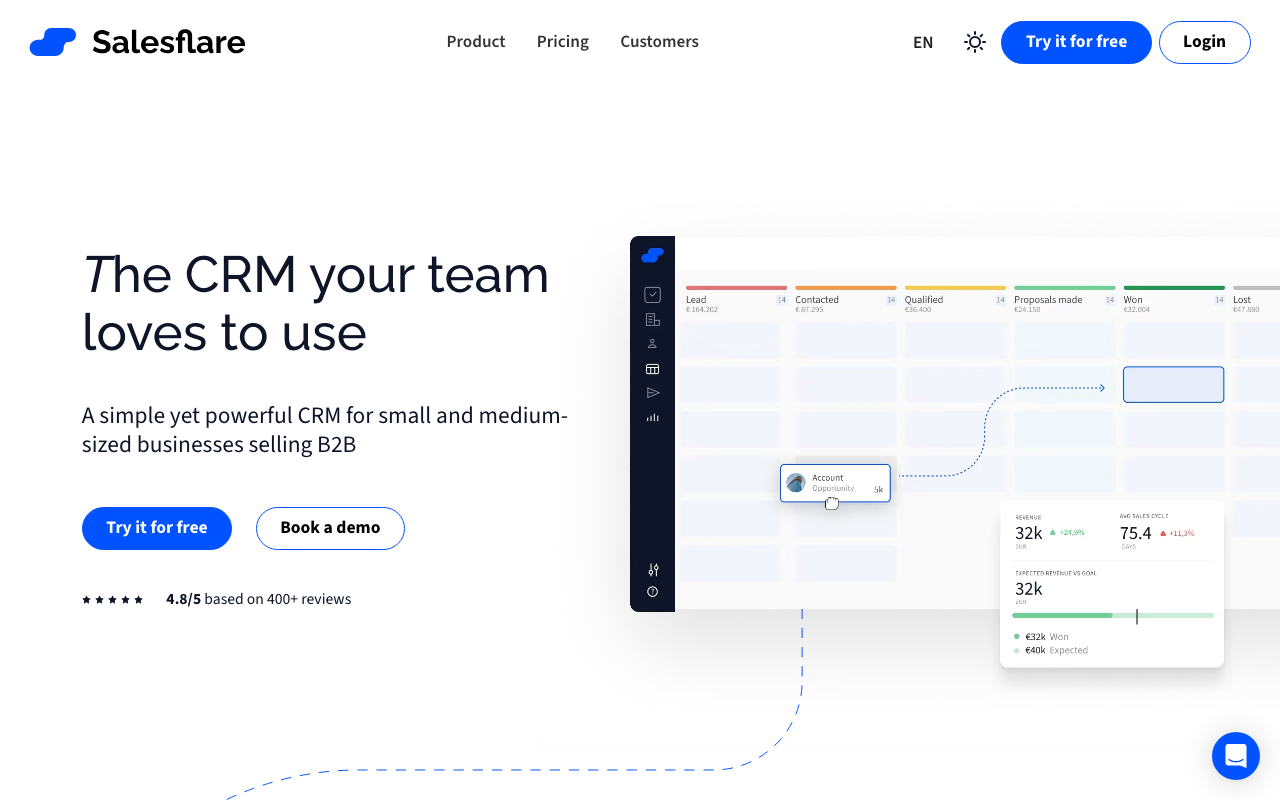
The deal pipeline is a visual drag-and-drop Kanban board. Move an opportunity from one stage to the next and Salesflare can trigger reminders and tasks so things do not slip. It also surfaces suggestions, like contacts you have gone quiet on or accounts with recent engagement worth a follow-up, which keeps a small team honest without a manager chasing them.
Where it actually lives: your inbox
Salesflare's most useful surface is not the web app, it is the sidebar that runs next to Gmail, Outlook, and LinkedIn. From there you see the full account history, log activity, and fire off email sequences without leaving your inbox. Email and link tracking tells you when a prospect opened a message or clicked a link, and on the Pro tier you get multi-step email workflows for light nurture and follow-up. It is not a heavy sales-engagement platform, but for a small team it covers the basics in the place reps already work.
Where Salesflare lands on AI-stack fit
Salesflare earns an 85 AI-stack-fit score from Chief Revenue Buddy, just ahead of official-MCP CRMs like monday CRM. It ships its own MCP server at mcp.salesflare.com/mcp, free on every plan, no third-party hosting in between. Point Claude, Claude Code, or another MCP client at it and it can look up accounts, contacts, opportunities, tasks, pipelines, and timelines, and create or update records directly, not just read them.
Underneath that sits a documented REST API with bearer-token auth and webhooks, so custom integrations and no-code tools like Zapier and Make still have a solid foundation to build on. What pushes Salesflare above most of the category is discoverability: it carries a verified listing in Claude's own Connectors directory under Anthropic & Partners, and a public listing in ChatGPT's Plugins directory. That's a real vendor-run server plus independent listings on both major assistant platforms, not a third-party wrapper you have to configure by hand.
Pricing notes
Salesflare runs three tiers: Growth, Pro, and Enterprise. Pricing is billed per user, and the headline rates assume an annual commitment, with month-to-month costing noticeably more per seat. There is no free plan, but the free trial runs a generous 30 days with no card required, which is enough time to see whether the auto-logging earns its keep.
Growth covers the core: automatic data input, email and link tracking, the inbox and LinkedIn sidebars, and personalized campaigns. Pro adds the pieces small sales teams usually grow into, namely multi-step email workflow sequences, user permissions, and custom dashboards. Enterprise layers on dedicated onboarding, migration help, and an account manager, with a five-user minimum. Lead-finding credits are included in tiers and can be topped up separately, so factor that in if you lean on enrichment. Salesflare moves its numbers from time to time, so verify the current per-seat prices and credit allowances on the vendor's pricing page before you commit.
The verdict
Salesflare is a strong, low-admin CRM for small B2B teams whose biggest CRM problem is that nobody keeps it current. The automatic logging is the real draw, the inbox sidebars are where you will actually use it, and it now backs that up with one of the strongest agent stories of any SMB CRM: a genuine first-party MCP server, verified in both Claude's and ChatGPT's own directories. For a team building its sales stack around Claude or ChatGPT, that combination of low-admin CRM and verified agent access is hard to match at this price. Just go in clear-eyed that this is built for SMB, and the integration marketplace is smaller than the giants'.
Weighing options? Close is the better call if built-in calling matters more than auto-logging, and Pipedrive wins on a larger third-party app ecosystem. See the full best CRM roundup for the head-to-head.