

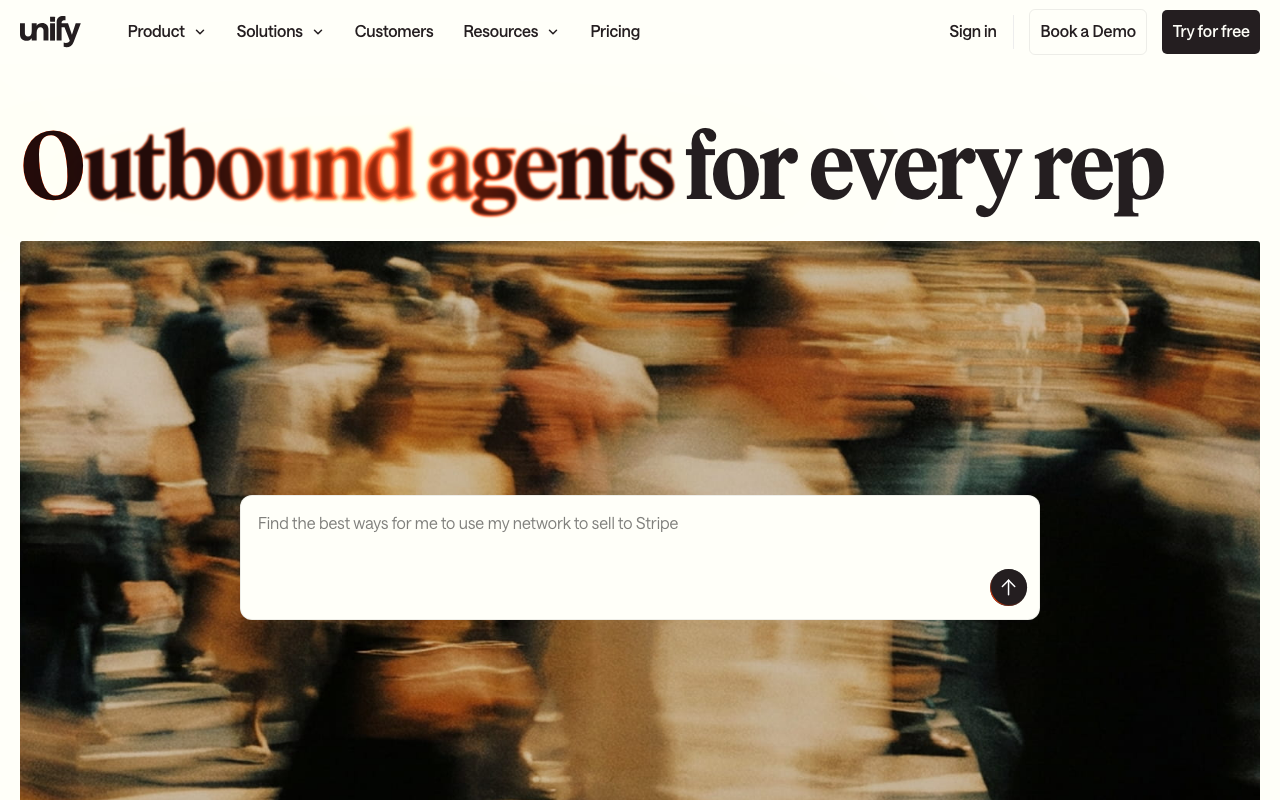
Who Unify is for
Unify is for high-growth SaaS teams that have moved past cold, list-based outbound and want to build a motion around signals: a prospect changes jobs, a target account starts hiring for a role your product touches, someone from a company you're tracking visits your pricing page. Instead of a rep manually checking for these triggers, Unify watches for them and can kick off a sequence automatically, which is the definition of warm outbound rather than cold.
It's a strong fit if your ICP is reachable through the kind of built-in data Unify ships (1.1 billion-plus people and 65 million-plus companies) and your team already thinks in terms of "who should we reach today" rather than "work this static list." It's a weaker fit if you need a single flat monthly bill you can forecast without thinking about it: Unify runs on credits, and modeling real monthly spend takes more attention up front than a straightforward per-seat tool like Apollo.io.
What Unify actually does
At the center is intent and signal detection: job changes, hiring activity, funding events, and website visitor identification all feed into triggers that can fire a sequence without a rep lifting a finger. Layered on top is AI-assisted sequencing and email copywriting, so the message a prospect receives references the actual signal that triggered it rather than a generic template, which is most of what makes "warm outbound" feel warm instead of automated cold email with better data.
The data layer underneath is Unify's own, not a reseller pass-through, and it's large enough to support both list-building and signal-matching without a second data vendor. CRM sync (read-only on Pro, read-write on Business) keeps enriched records and sequence activity flowing back into Salesforce or HubSpot, and Slack notifications surface signals to reps in real time rather than requiring them to check a dashboard.
Where Unify lands on AI-stack fit
Unify scores 66 on the Chief Revenue Buddy AI-stack-fit scale. The Business tier ships an open API and webhooks split across Analytics, Data, and Bulk endpoints, plus read-write CRM sync, so signal data and sequence activity can flow programmatically into whatever else you run. Unify has also written publicly about building on OpenAI's stack internally, which shows real investment in AI under the hood.
There is no MCP server today, official or community, which is the main thing holding the score back from the 70s. An agent like Claude cannot currently connect to Unify and query signals, launch sequences, or pull analytics conversationally; every integration has to be built against the REST API by your own team, and CRM write-back specifically requires the top-tier Business plan. If Unify opens an MCP server on top of its existing API layer, this is one of the more agent-ready warm-outbound platforms in the category almost immediately.
Pricing notes
Unify's Free plan covers up to three seats with 100 credits per seat per month, multi-channel sequencing, and core data access, which is enough to genuinely test the product before paying anything, not just a crippled demo. Base runs $20 per seat per month billed monthly with unlimited seats and 800 credits per seat, adding AI email copywriting and job-change/hiring signals. Pro steps up to $60 per seat per month with 2,400 credits per seat, read-only HubSpot and Salesforce sync, and sequence analytics. Business is custom-priced and billed annually, unlocking the open API, webhooks, read-write CRM sync, website intent signals, and SSO.
The credit system is the one thing to model carefully before committing: unlike flat per-seat pricing, your real monthly cost depends on how many signals you're monitoring and how aggressively you're sequencing off them, so a team running heavy multichannel outreach will burn through credits faster than the sticker price suggests.
The verdict
Unify is one of the cleanest signal-to-sequence platforms available, and the free tier is honest enough to actually evaluate fit before spending anything. The tradeoff is a credit-based pricing model that takes real modeling to forecast, and no MCP server yet for teams that want an agent driving the workflow directly rather than integrating through the API. If your outbound motion is genuinely signal-based, it's worth a serious look; if you just need a big database and simple sequencing, compare it against Clay for a more workflow-native alternative. See the full best AI SDR and agent tools roundup and the AI-stack-fit leaderboard for more of the field.